agent-labs-dev/fastbrowse on GitHub
- Stars
- 100
- Forks
- 12
- Language
- Python
- License
- MIT
- Last push
- 22 Sep 2026
Read from GitHub on . Counts change daily.
Reported by the author
- Suite cost
- $0.36
The whole suite cost $0.36 here and $26.01 there.
github.com - Checkout ratio
- 195x
195x for checkout
github.com
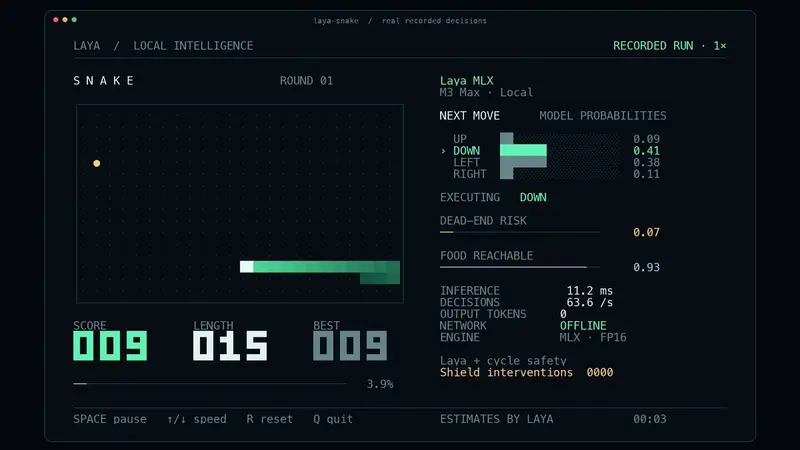
fastbrowse is a browser agent that picks instead of generates: it indexes the current page into a list of candidate actions and has Jev, working as a choice model, pick one, so it can’t click something that was never actually on the page. A separate LLM handles planning, reading and writing field text, and every claim the agent makes in an answer cites a verbatim quote stored from the page, which Jev then checks the claim against.
The authors measured fastbrowse against the Browser Use agent on the same 14 answer tasks (lookups, sign-ins, checkout flows, Google Flights), three passes each, on the same kind of cloud browser, using the build released as 0.5.2. fastbrowse passed 41 of 42 runs against Browser Use’s 39 of 42, at a median cost of $0.0041 per task against $0.3668, and a median time of 20.6 seconds against 21.6 seconds. The whole suite cost $0.36 for fastbrowse against $26.01 for the comparison agent. Median cost ratios ranged from 65x on lookups to 195x on checkout tasks. The gap wasn’t uniform: on four of seven lookup tasks the Browser Use agent was actually faster, and fastbrowse’s one miss and two of the other agent’s three misses came from Google Flights, where fastbrowse passes about four runs in five.
The project is explicitly experimental and not recommended for production yet.
How it uses Jev
from fastbrowse.models import CostLine, Frozen, Unavailable

JEV_MODEL = "jev-1.13.0"
MAX_CHOICE_OPTIONS = 255
JEV_DOLLARS_PER_INPUT_TOKEN = 0.042 / 1_000_000
"""Input price; output is free."""


class ChoiceQuestion(Frozen):
    type: Literal["choice"] = "choice"
    instructions: str
    criteria: Mapping[str, JsonValue]
    """Option key -> description (string, object with what/not_for/examples, or null)."""