 Play the video in the post below
Post on X
- Views
- 79,008
- Likes
- 690
- Reposts
- 46
Read from X on . Counts change daily.
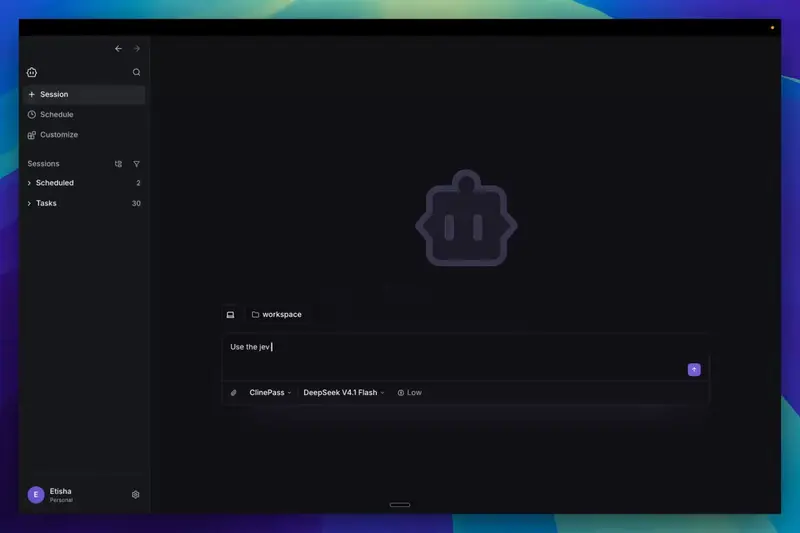
The Cline team built a plugin that gives Jev a browser inside Cline. Install goes through Cline’s new desktop app: Customize, Marketplace, Plugins, then search “jev-browser”. Setup means creating a Vercel AI Gateway API key, saving it to ~/.cline/plugins/cline-jev-browser.config.json as {"gateway": {"apiKey": "..."}}, and restarting Cline.
Once configured, asking Cline for any browser task launches Chrome in the background to complete it. The team says it has been blown away by the results, though the post gives no numbers.